 Home Is Where He Is
 Cobb Can Move
 Kingdom of Marionettes
 Jackpot Crash Course
 Blood Money 2
 Suzy Says
 TADC Dating Sim
 Survive Min
 The False Sun
 Temple of the Jackal
 Uncanny Cat Golf
 Frankie's Fun House
 Death Spiral
 The Coffin of Andy and Leyley
 Dracula Drop
 The Choicer Voicer
 Over Dose
 Helping Your Boyfriend
 Odio el Chocolate
 You Are Hamster
 Best Friends for Dinner
When home stops feeling familiar
Suzy Says takes a return home and changes what that familiar setting asks of you. An interactive DVD and a set of colored floor mats introduce an activity that resembles Simon Says, but the experience is first-person survival horror rather than a relaxed party game. The tension comes from having to interpret rules while the presentation makes concentration uncomfortable. Coming from Home Is Where He Is, you may recognize the broader appeal of a domestic place becoming unsettling. That comparison describes an editorial theme, not a shared story or connection between the games.
This companion is organized around decisions you can make before and during an opening session. It does not supply an invented solution to the DVD, a complete sequence of commands, or a route to a hidden ending. The useful starting point is smaller: understand the controls, recognize what the current instruction actually says, and know the limits of the browser adaptation. Familiarity with the childhood game may help explain the premise, but it should not replace attention to the rules that this particular game presents on screen.
Decide whether this is the right session
Before launching Suzy Says, consider its flashing imagery, jump scares, and unsettling themes. These warnings are part of choosing an experience, not a challenge to overcome. If you do not want those effects, you can read this page without starting the player. The embedded game begins loading only when you select its cover control. A short look at a menu does not establish that later scenes will be comfortable, and no setting on this guide is claimed to remove the game's visual or audio surprises.
Choose a volume and screen position that you can comfortably change. Give yourself permission to leave without finishing an attempt. When you need a break, check the game interface for its own pause or exit behavior rather than assuming that switching browser tabs freezes the session. Closing the page can interrupt play and may lose progress. Save behavior for this hosted adaptation has not been verified, so this guide cannot promise that a return visit resumes where you stopped. The checklist records preparation only, not permission to ignore your own comfort.
Treat the first download as a separate step
The host provides a Construct 3 web adaptation whose initial load is approximately 256 MB. That is a meaningful transfer on a limited connection or mobile data plan. The article, navigation, and cover can be visible while the game's resources are still waiting to load. Pressing Play therefore starts a separate stage rather than instantly revealing a ready session. Allow enough time for the game to reach a recognizable interface; the exact wait depends on circumstances this page cannot measure or guarantee.
Refreshing repeatedly is not a reliable way to accelerate that stage. It may interrupt loading without revealing why the previous attempt was slow. If nothing usable appears, record the last visible screen and your browser and device before deciding whether to retry later. Do not provide private account data or browser tokens in a problem report. This page intentionally keeps the game inside its frame and does not offer a top-level direct-launch workaround. An embedding problem must be investigated as an embedding problem rather than hidden by a different launch path.
Read the menu before committing to a run
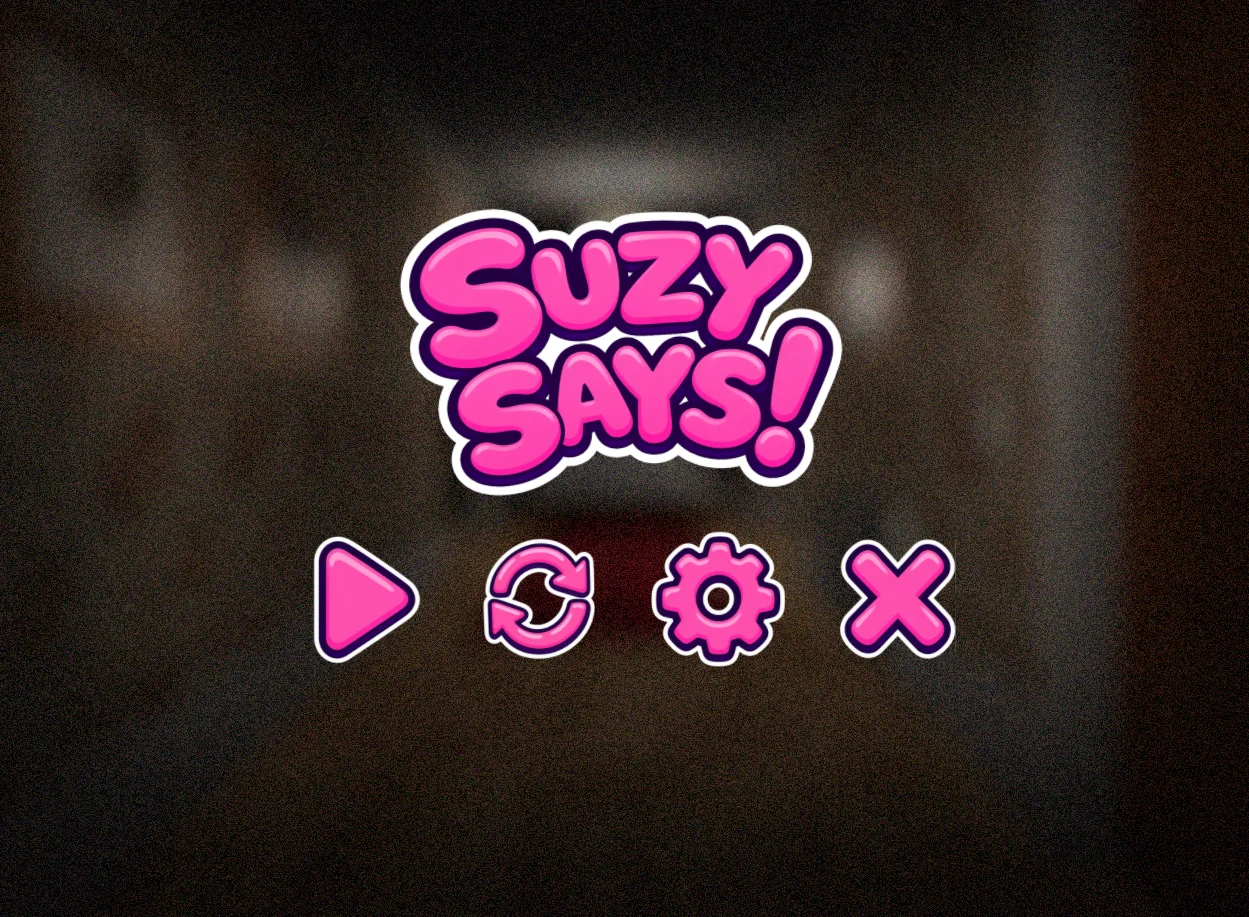
The supplied menu capture shows a pink interface with Play and restart, settings, and exit icons. It is a reference image from an existing capture, not evidence that a complete playthrough was performed for this page. Use it to recognize the kind of interface you may encounter, but let the actual running menu determine what is available now. A button visible in a screenshot does not prove its behavior on every device, nor does it demonstrate that a save or checkpoint has been created.
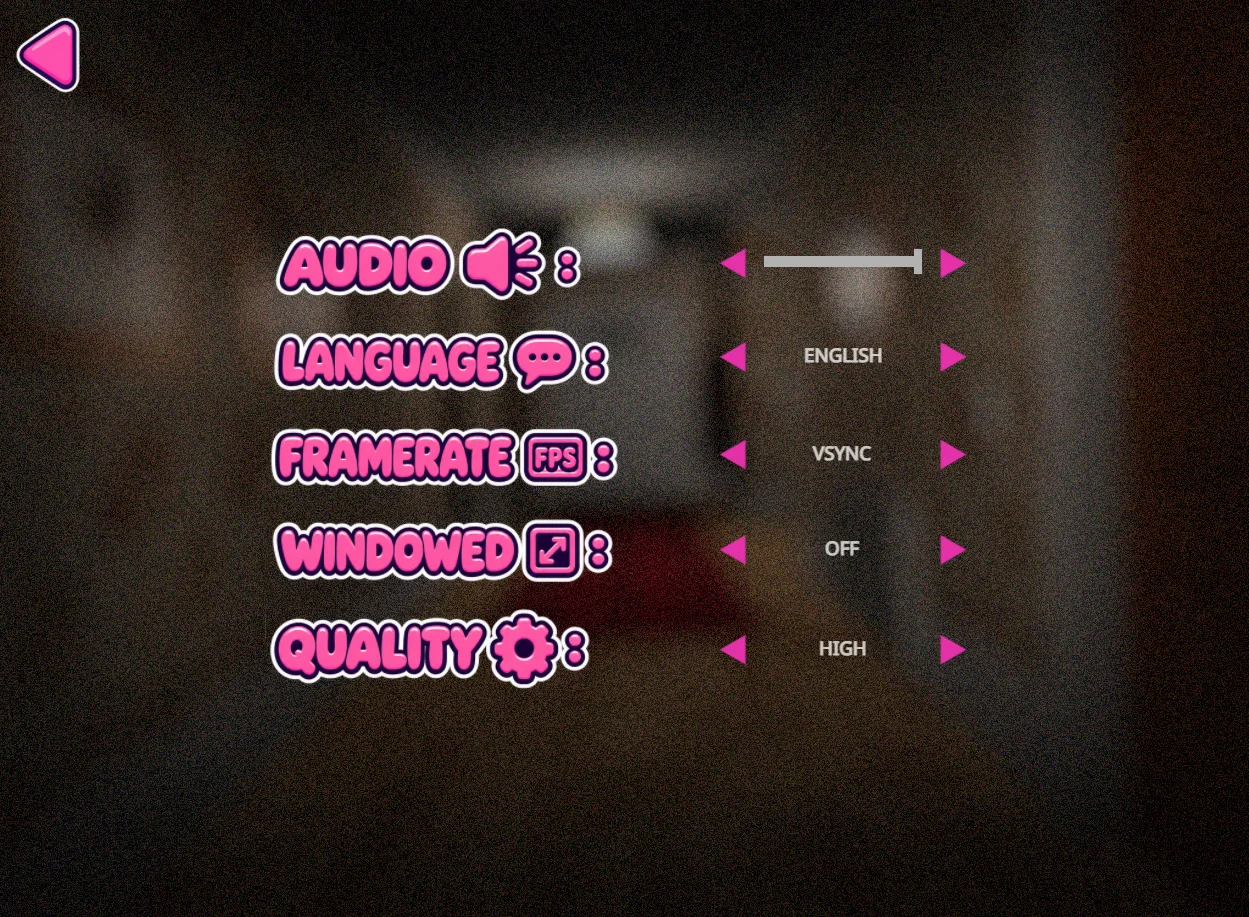
It can be useful to inspect settings before beginning rather than searching for them after a stressful moment. The separate settings image includes Audio, Language, Framerate, Windowed, and Quality. Those labels identify visible options; they are not a tested recommendation for particular values. Changing quality might affect how an application presents itself, but this guide does not promise that it fixes a slow download or makes a phone compatible. Adjust only what you understand and keep track of what changed if you later compare behavior.
Make the keyboard predictable
The supplied controls are WASD to move, Space to jump, and C to crouch. Focus the game frame before testing them. Otherwise a key can affect the surrounding webpage instead, creating the impression that the game ignored you. If Space moves the article, release it, select the frame, and check the current game instructions before trying again. Do not keep holding several keys while diagnosing focus. A simple, deliberate test gives you a clearer idea of whether the input reached the game.
There is no additional keyboard interaction binding confirmed by this guide. Follow any bindings shown by the running adaptation rather than borrowing them from another horror game. Once a command is active, do not interrupt it with arbitrary control experiments. Familiarize yourself when the game permits, then concentrate on its instructions. The purpose is to reduce accidental actions under pressure. It is not a claim that the opening offers unlimited practice time, that moving is always safe, or that pressing a familiar key produces the same effect in every scene.
Notice the difference between arrival and the DVD activity
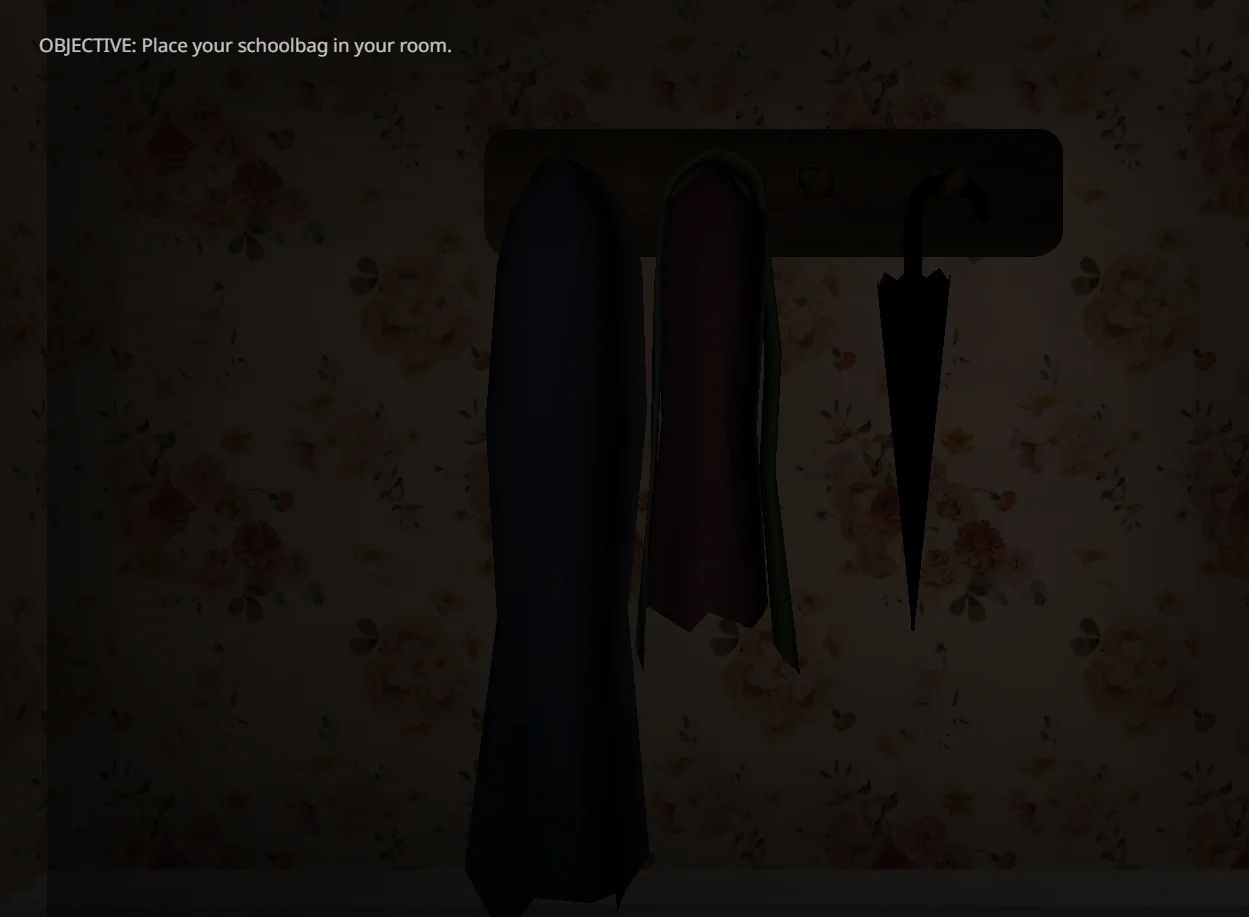
The supplied room image shows an entryway with a coat rack and umbrella. Its visible objective reads Place your schoolbag in your room. That gives a concrete example of an opening instruction rather than a complete map of the house. It does not identify the correct door, reveal what every object does, or establish a hidden sequence. Follow the objective and the information available in the running scene. Avoid assuming that an item mentioned by the guide is automatically an inventory object or a puzzle solution.
This distinction helps keep an early exploration task separate from the later rule-following premise. You do not need to explain every visible prop as a threat or secret before understanding the immediate instruction. If you become disoriented, describe what you actually see rather than importing a layout from a recording. The screenshot is one moment with one objective, not a promise that your session will always look identical. Its role here is orientation and recognition; it should not be mistaken for a verified walkthrough of the entire opening.
Respond to meaning rather than urgency
Simon Says style rules make the condition attached to an instruction important. A verb alone is not always sufficient reason to act. In Suzy Says, the horror presentation can make a quick reaction feel necessary even while careful listening remains important. Try to understand the whole command before selecting an action. That advice does not establish a fixed safe delay: any timing requirement shown by the game still applies. The aim is to avoid guessing from a fragment, not to ignore an instruction until a convenient moment.
Think of a response as three separate decisions: what was requested, under what condition, and which available input matches it. You do not need to narrate those decisions out loud or use the checklist during a timed scene. They are a way to prepare your attention. If a later command changes the pattern, update your understanding rather than forcing it into an earlier rule. This page does not disclose the complete internal rules, and it does not promise that a single memorized technique prevents every failure.
Use a failed attempt as a specific observation
A useful note after an attempt describes a moment rather than declaring a universal explanation. You might remember pressing a key before hearing the end of a sentence, losing track of your position, or discovering that the frame did not have focus. Those observations suggest different things to check next. They do not prove that a particular mat color is always dangerous or that a hidden ending requires a certain mistake. Keep your explanation proportional to the evidence you actually have.
If you choose to retry, change one habit at a time where possible. Listen to the complete wording, check the crouch key, or establish your orientation more carefully. This makes a retry informative without requiring a promised successful result. Do not assume that restarting preserves items or that closing the tab is an undo operation. The hosted edition's persistence and full progression remain unverified. If continuing stops being enjoyable, leaving is a reasonable outcome; the guide is meant to support your choices, not pressure you into repeated attempts.
Distinguish a touch overlay from a phone test
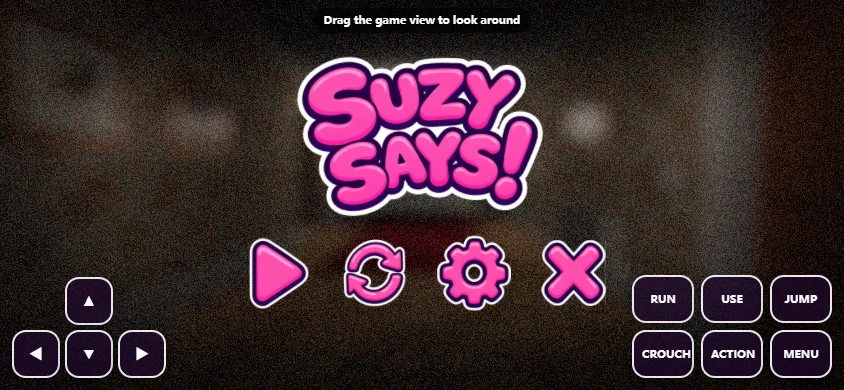
The touch reference shows a landscape menu with directional controls and labels including Run, Use, Jump, Crouch, Action, and Menu. It confirms that a touch-oriented overlay is present in the supplied capture. It does not confirm comfortable reach, reliable simultaneous input, or acceptable performance on a physical phone. Real-phone compatibility has not been verified. A responsive outer page and a sixteen-by-nine player can display correctly even when the embedded game's controls or resource needs are unsuitable for a particular device.
If you try touch play, check the controls required by the current scene before committing to a longer session. Landscape may give the overlay more space, but it is not a universal fix. Separate download problems from input problems and performance problems. Opening additional copies of the game can make that distinction harder rather than helping. When an action cannot be performed reliably, do not reinterpret the technical limitation as a puzzle. A keyboard-equipped computer is a sensible alternative if one is available, without guaranteeing that every browser configuration will work.
Keep videos and edition claims in perspective
The two optional videos below offer another way to look at Suzy Says, but they may reveal scenes you would prefer to discover yourself. They can also show a different edition or a different set of choices. A recording is not a test of this page's host. Compare it with your experience cautiously and avoid assuming that a missing menu item is an undiscovered unlock. The original complete release is described as having endless play and hidden endings; those features have not been confirmed in the embedded adaptation.
For that reason, this page does not promise the complete release, a guaranteed finish, or a verified ending guide. The practical value is in preparation: understand the premise, check the controls, budget for the first load, and decide how you want to handle surprises. Keep the guide available for a break, not as a substitute for reading active commands. Your next action should come from the scene you are actually playing. If you return later, recheck the interface instead of assuming that an earlier capture or video proves the current state.
Session preparation
This page-only checklist is not synchronized with game saves.
0 / 5 checked
Optional video references
Recordings may include spoilers and edition differences.
Frequently asked questions
Is this connected to Home Is Where He Is?
No shared story is claimed. This site presents a separate game with its own rule-following horror premise.
What happens at the beginning?
The premise involves returning home and finding an interactive DVD and colored floor mats. A supplied opening capture asks you to place your schoolbag in your room.
Which keys should I know?
WASD moves, Space jumps, and C crouches. Follow the running game for other bindings.
How large is the initial load?
Approximately 256 MB for the Construct 3 browser adaptation. Loading the cover does not finish that transfer.
Does the touch screenshot prove mobile support?
No. It shows an overlay, while physical-phone compatibility remains unverified.
Can I unlock endless play here?
Its availability in this host is unconfirmed, even though the original complete release describes endless play and hidden endings.
What warnings apply?
Flashing imagery, jump scares, and unsettling themes. You can read the guide without loading the game.
Will resetting the preparation list erase progress?
No. The list is a temporary page-only aid and has no connection to the game save or player.